No credit cardStart free →
LuminNote for iPhone & iPad. Nearly here.
Record a lecture with your phone locked. Snap a whiteboard and let your phone read it. Play your lesson Path anywhere. Handwrite on iPad with Apple Pencil — one streak, one brain, synced with the web.
- Lecture recording that keeps going with the phone locked
- Camera capture, read on your phone, filed where you choose
- Apple Pencil notebook on iPad — handwriting becomes searchable text
We’ll email you once, at launch. That’s it.
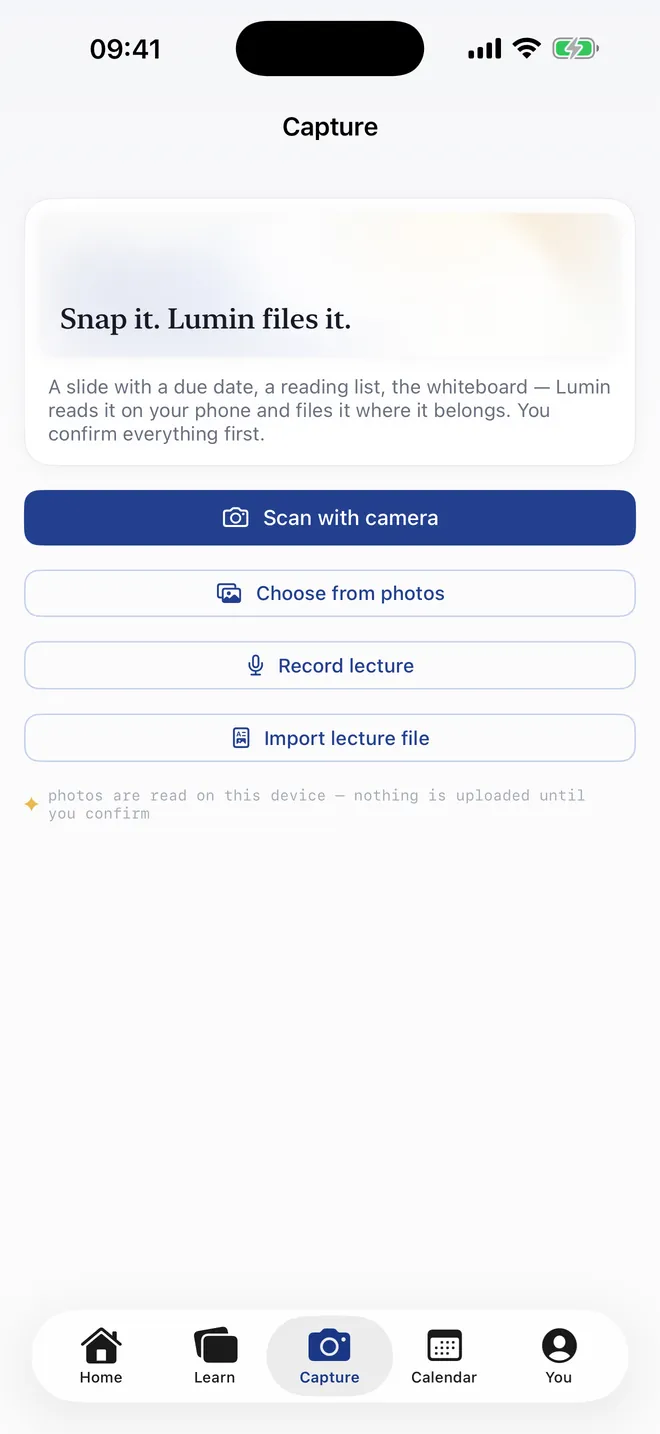
Snap it. Lumin files it.
A slide with a due date, a reading list, the whiteboard at the end of the lecture. Point your phone at it; the text is read on the device, and you confirm where it goes before anything is saved.
Or record the lecture itself — with the phone locked, the transcript grows in your pocket.
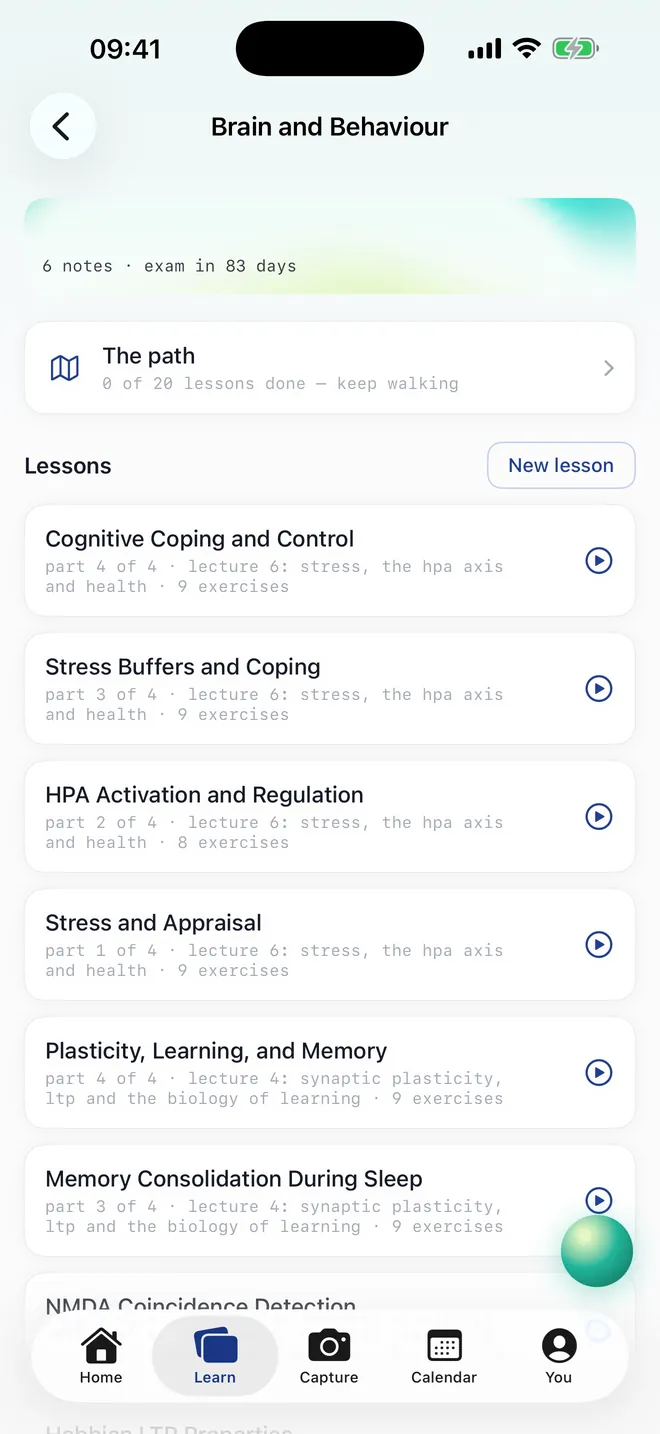
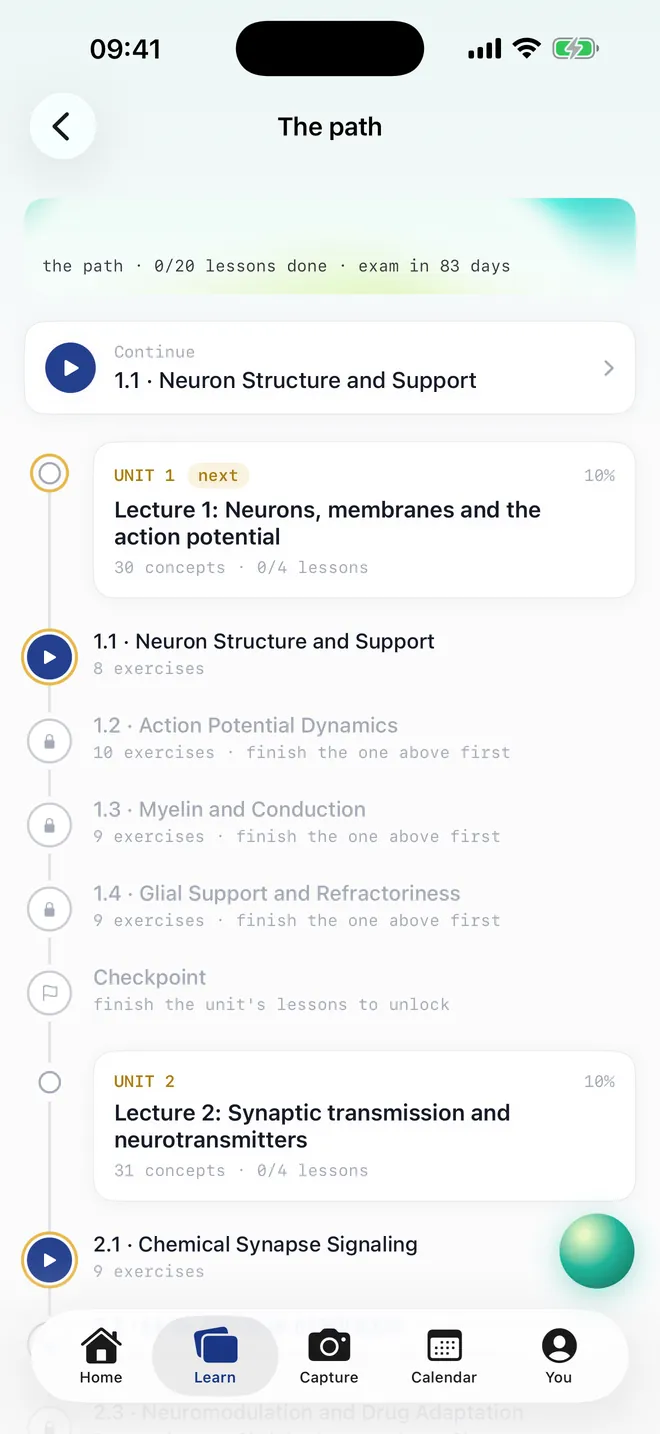
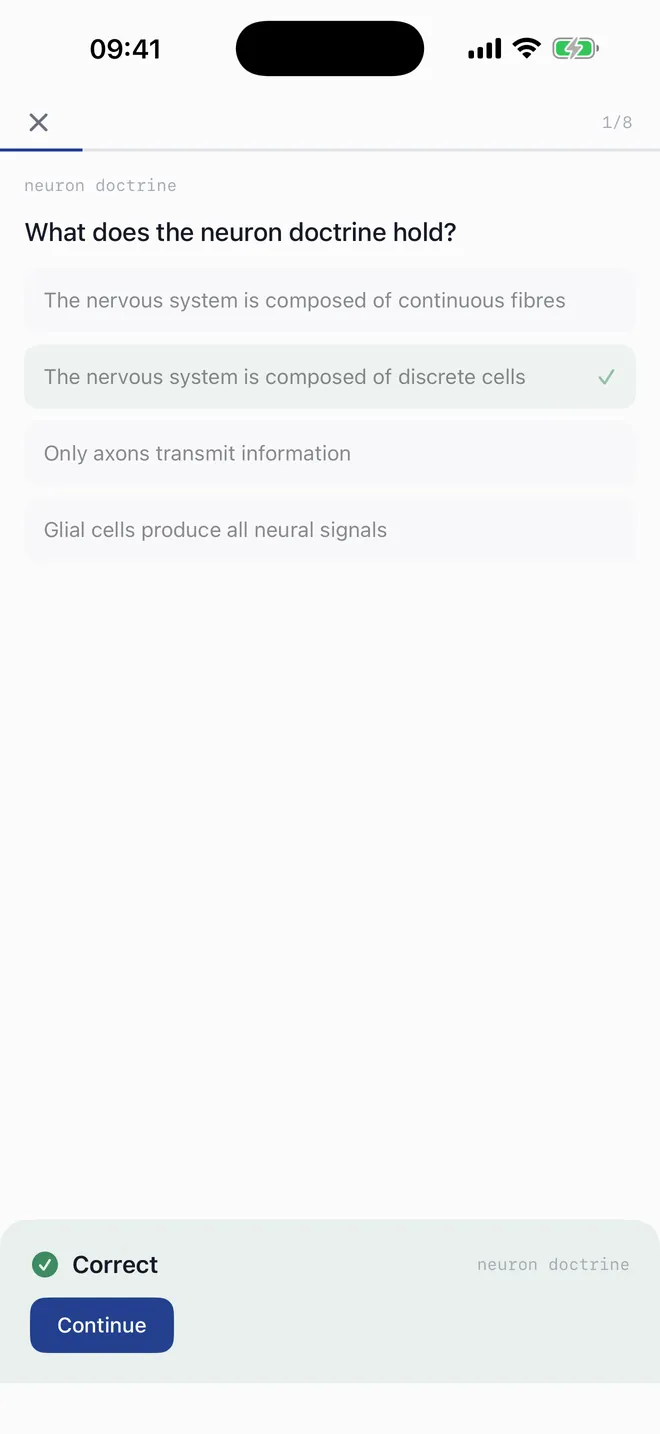
Each lecture becomes numbered lessons.
Ten to fourteen exercises per lesson in six styles — multiple choice, true or false, cloze, match, order, typed. Misses come back until they stick, and a checkpoint closes every unit.
Start today’s session from Home and it mixes what is due across every module.
One streak. Every device.
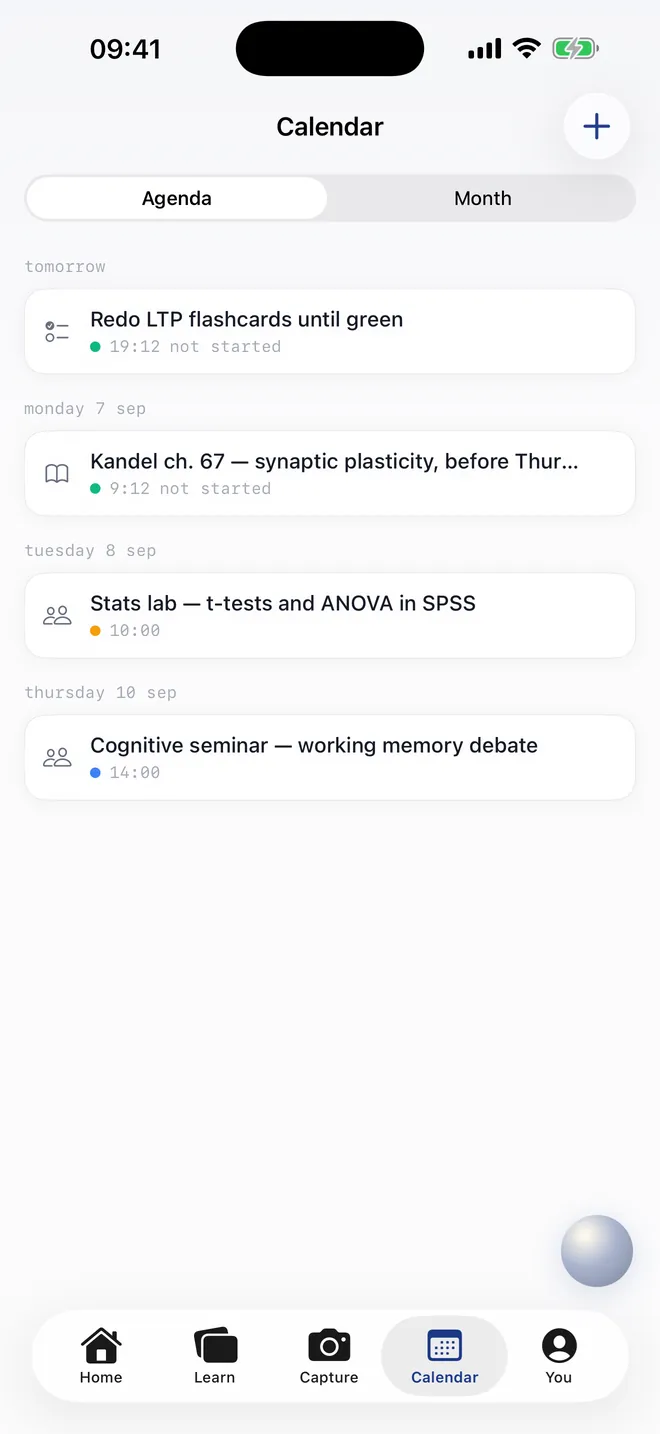
Exams, deadlines, seminars and readings in one agenda. A streak grid that counts the web, iPhone and iPad together. A daily goal you set yourself.
Lumin remembers what you tell it — your course, your goal, how you like things explained — and you can see and delete every memory.
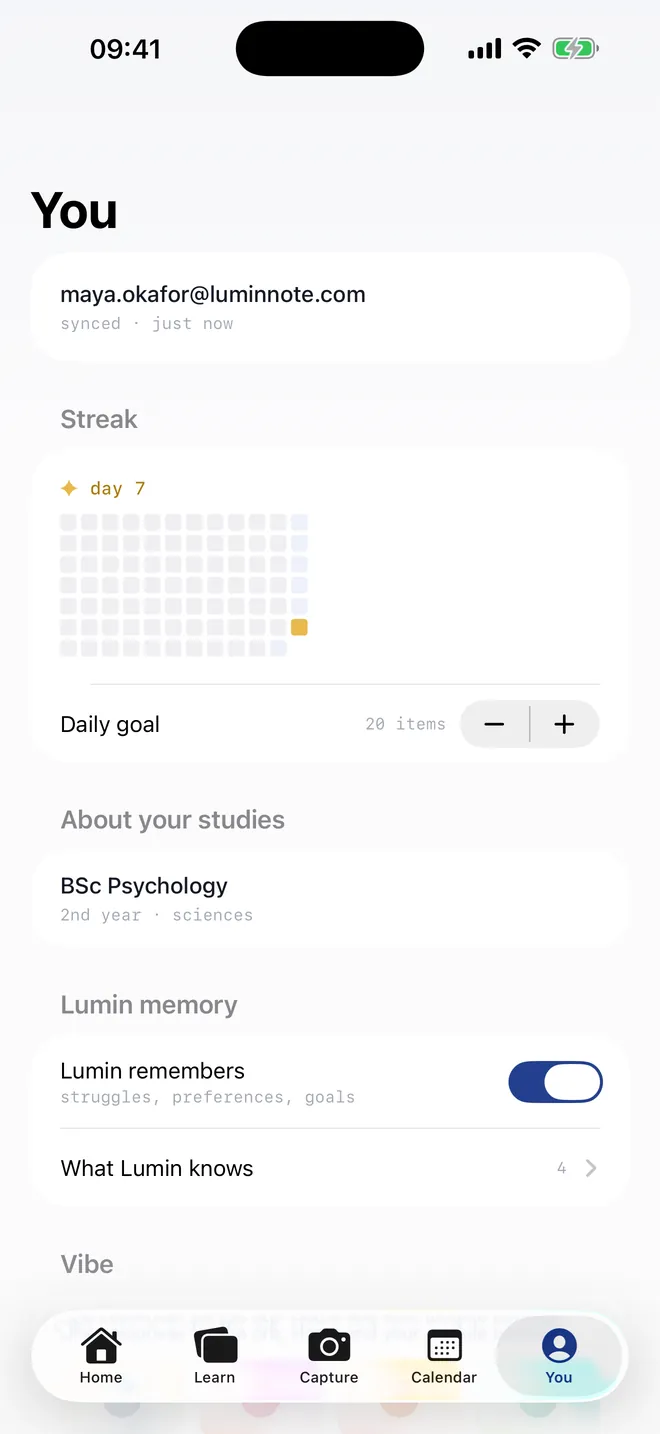
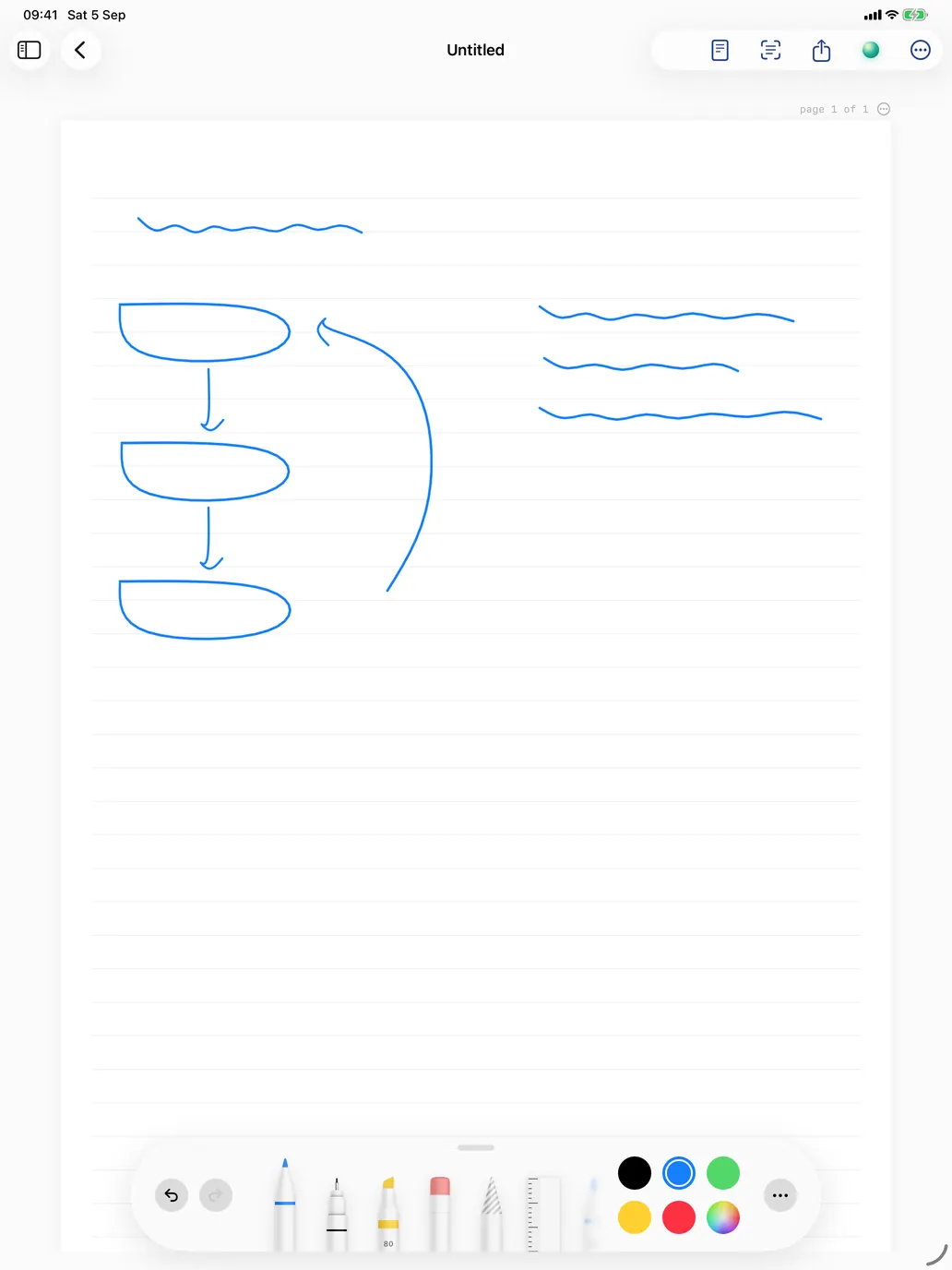
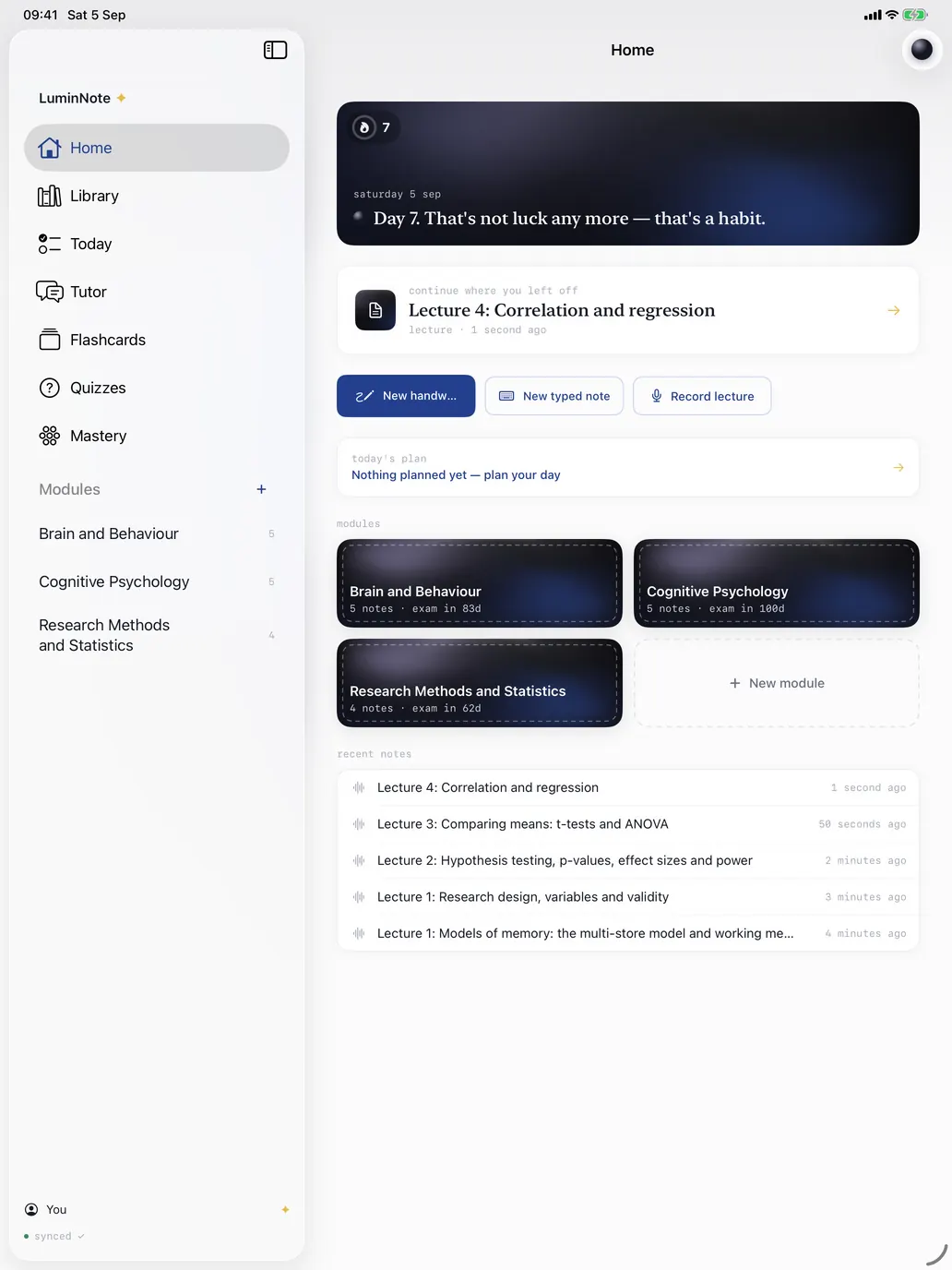
Desk, rail, Pencil.
Handwrite with Apple Pencil on lined, grid or dotted paper. Handwriting becomes searchable text on the device. The tutor and the Lumin dock sit side by side.
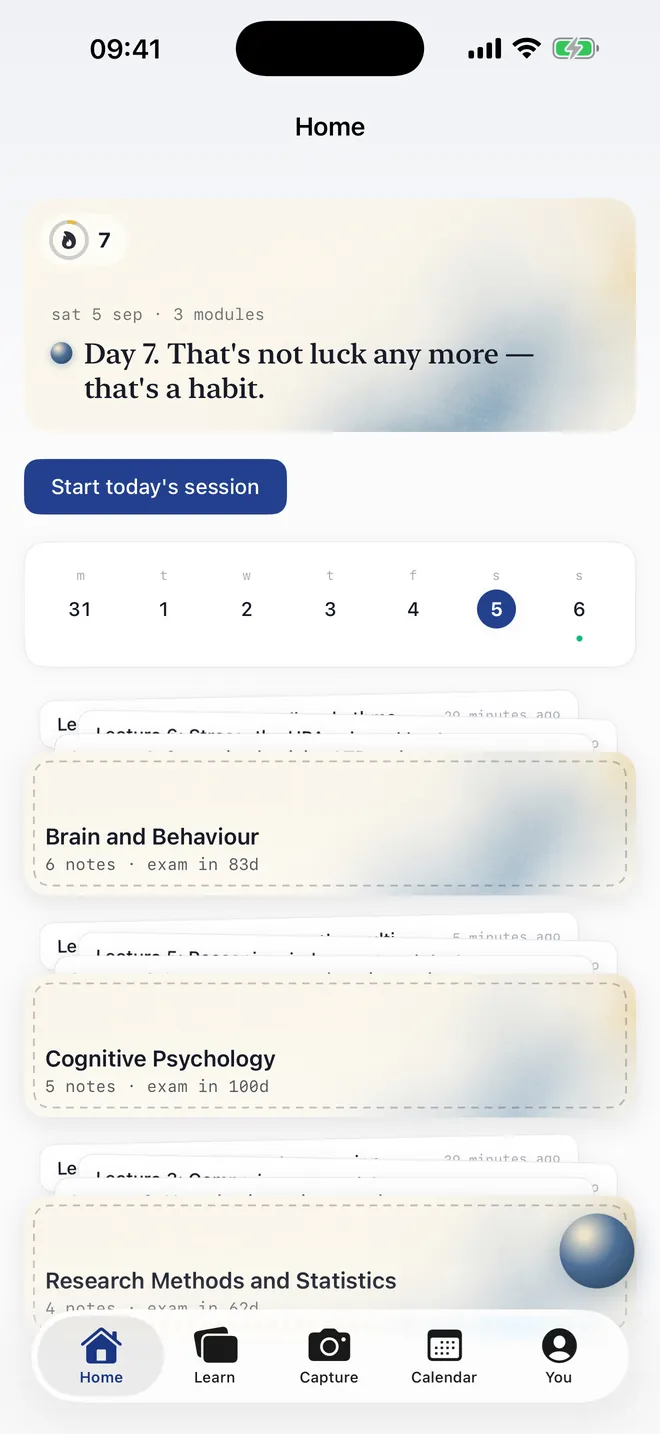
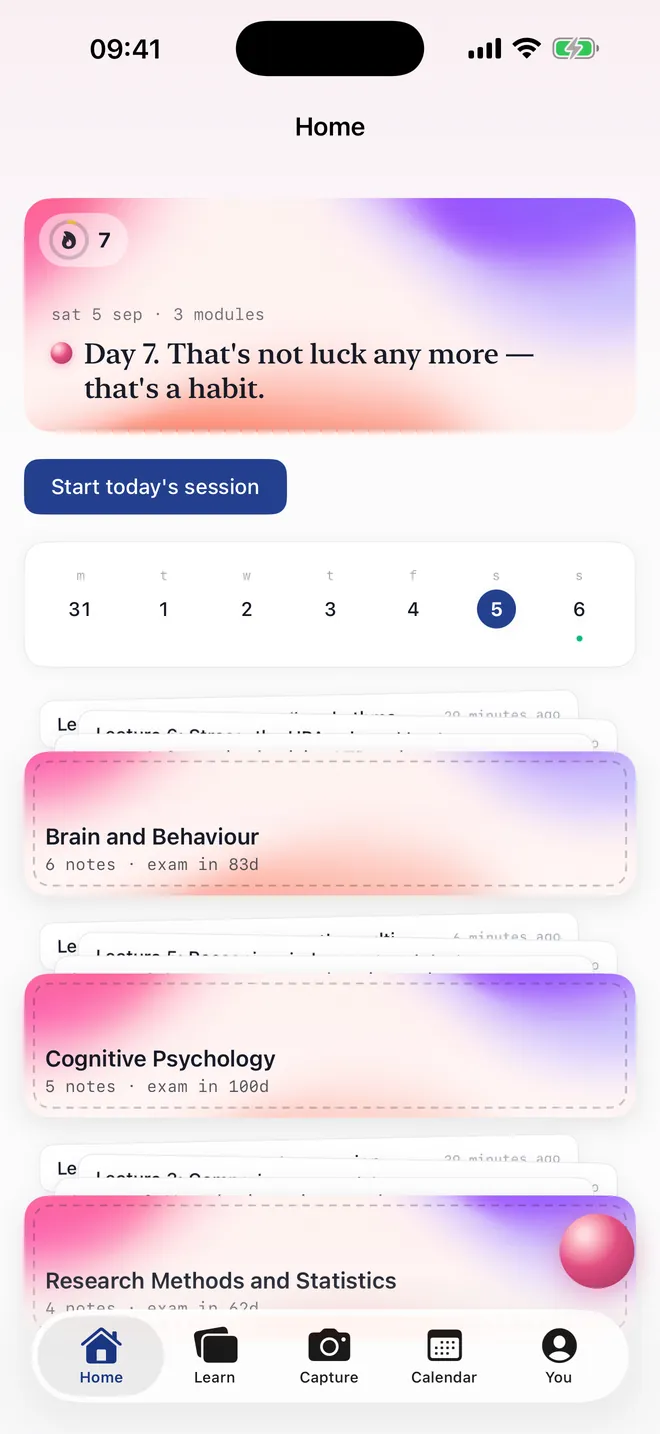
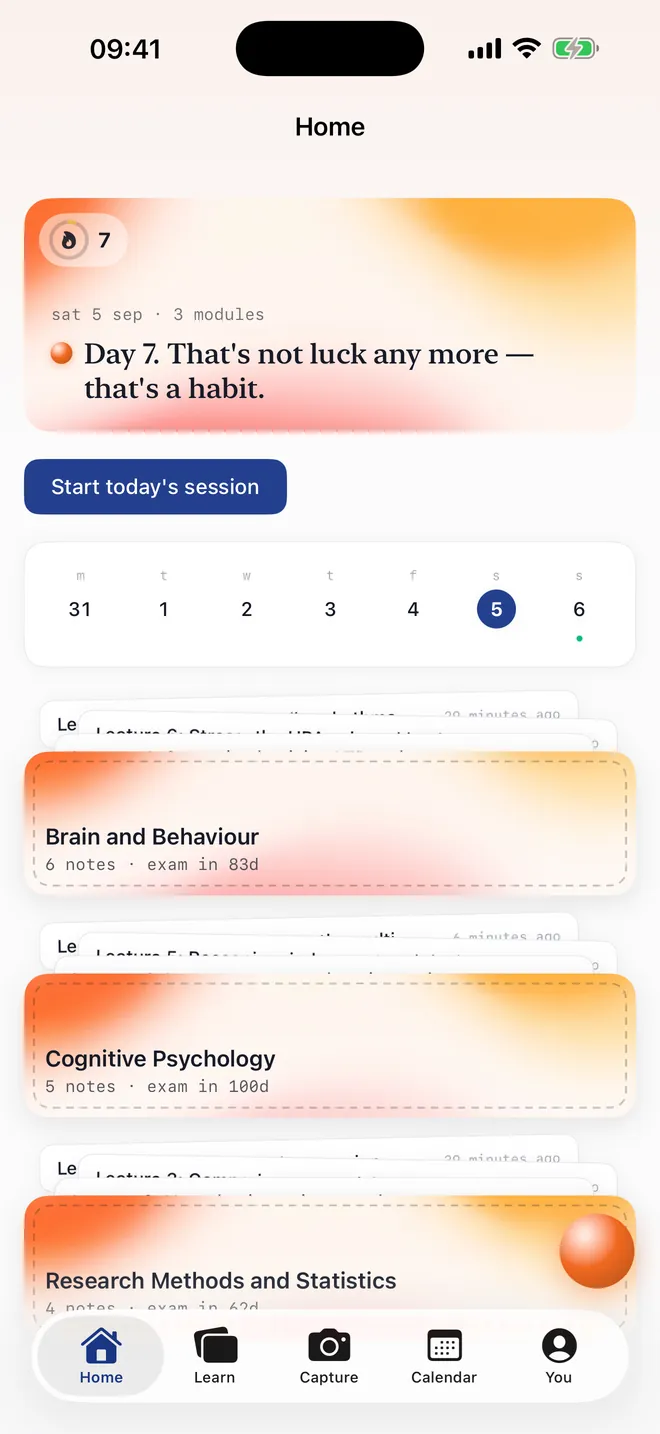
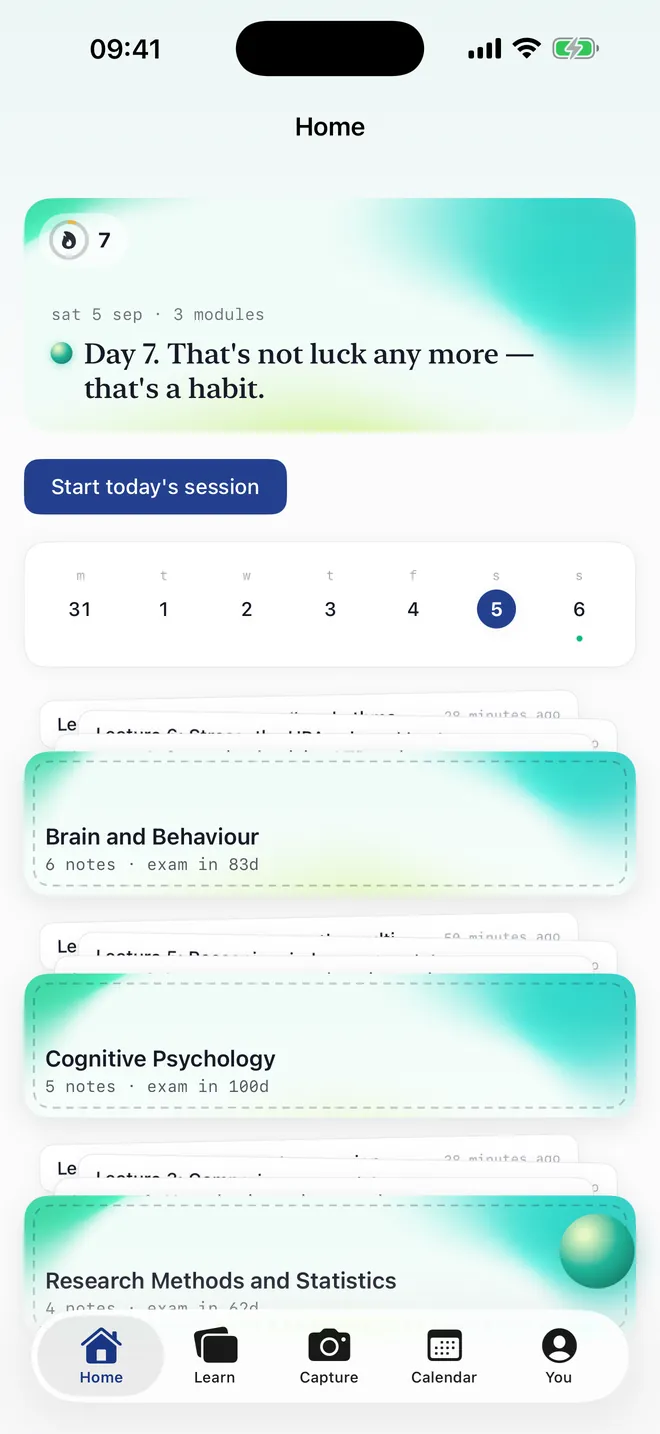
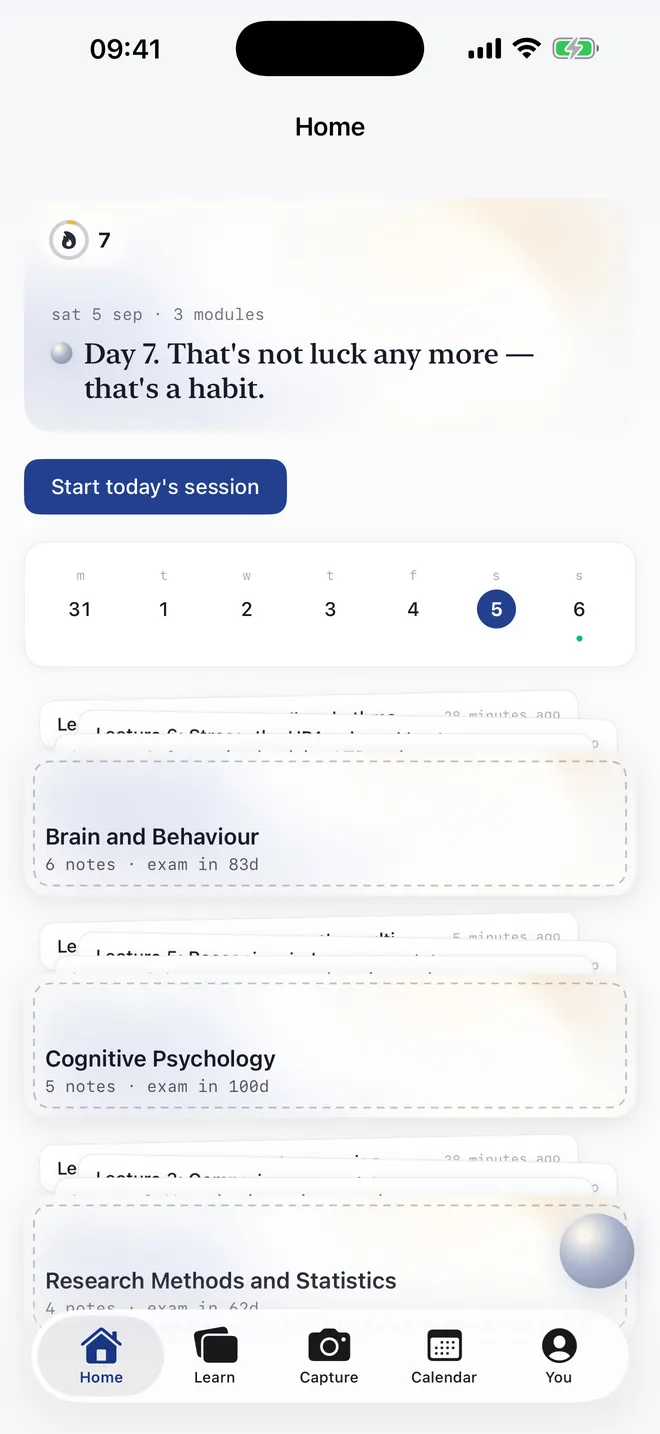
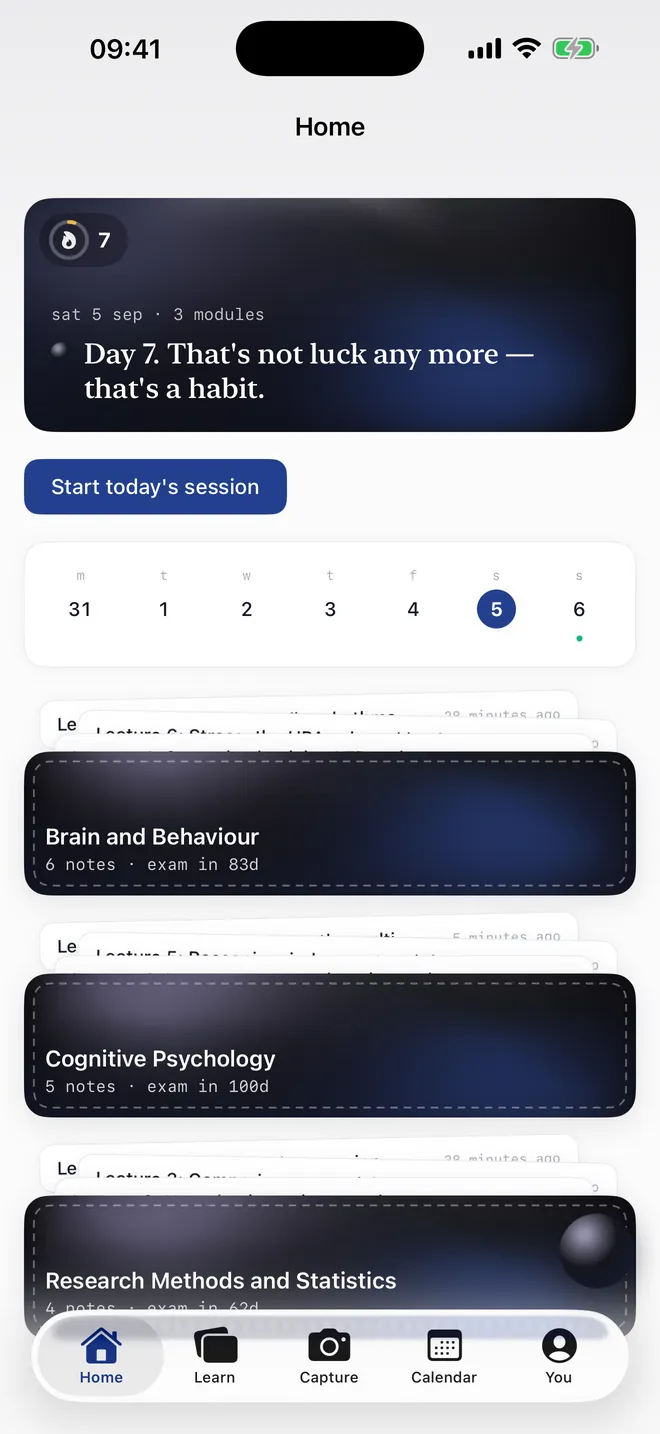
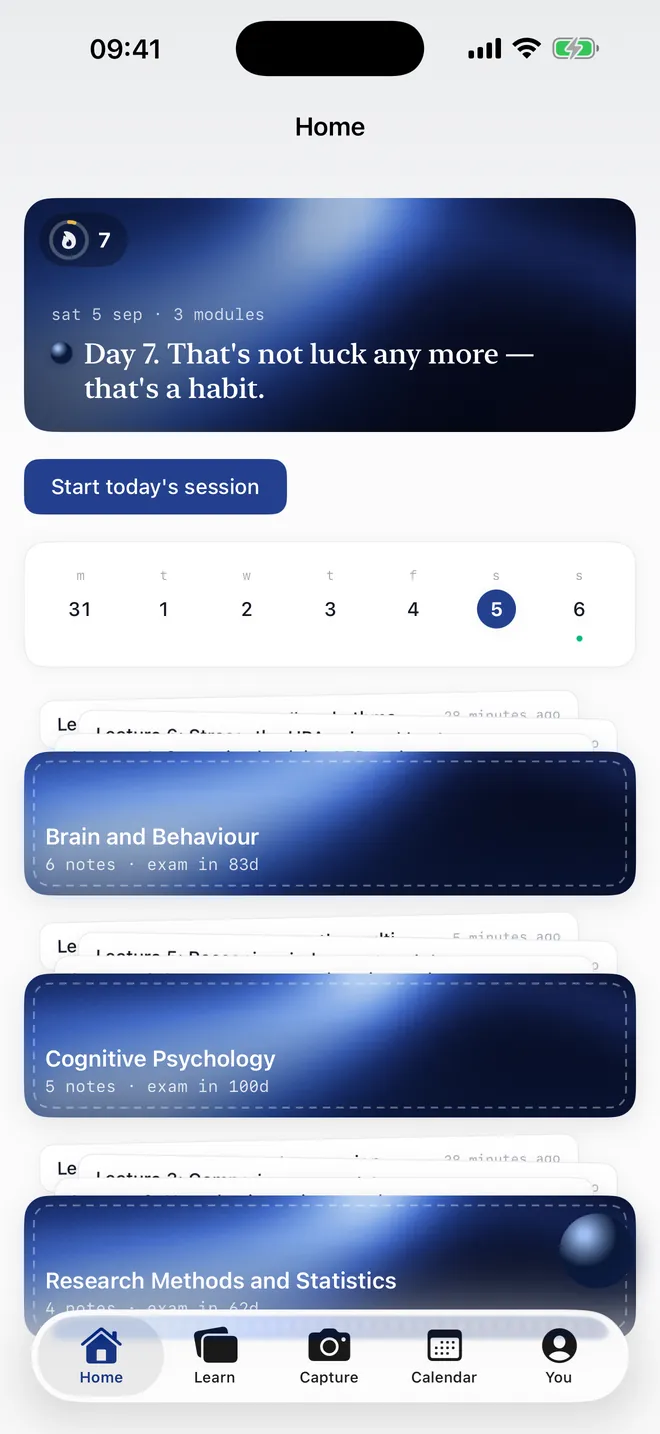
Seven phones, seven vibes.
The same Home, in every colourway. Change it from the You tab whenever you like.
First in, in order.
TestFlight invites go out before public launch. Share your link to move up.
We’ll email you once, at launch. That’s it.
- When can I get it?
- It is built and going through Apple's review. Join the waitlist and you will get a TestFlight invite before public launch — limited seats, in list order. We will email you once.
- Does it sync with the web app?
- Yes. One account, one library, one streak. Notes, modules, flashcards and mastery all sync; the app works offline and catches up when you are back online.
- What does it cost?
- The same Free plan as the web. Pro is £8.99 a month, the same price as on the web; the £59.99 annual plan is bought on the web and the app follows it. Essay Mode stays web-only for now.
- What happens to my photos and recordings?
- Text in a photo is read on your phone before anything is uploaded; you confirm the note, and only then is the photo saved to your library. Lecture audio is transcribed on-device and never leaves the phone.
- How old do I need to be?
- 13 or over. Where the law requires it we check an age band, never a birth date.